Productivity Tools (macOS)
SnoozeBar
Menu bar control for sleep, lock, shutdown, and focused work.
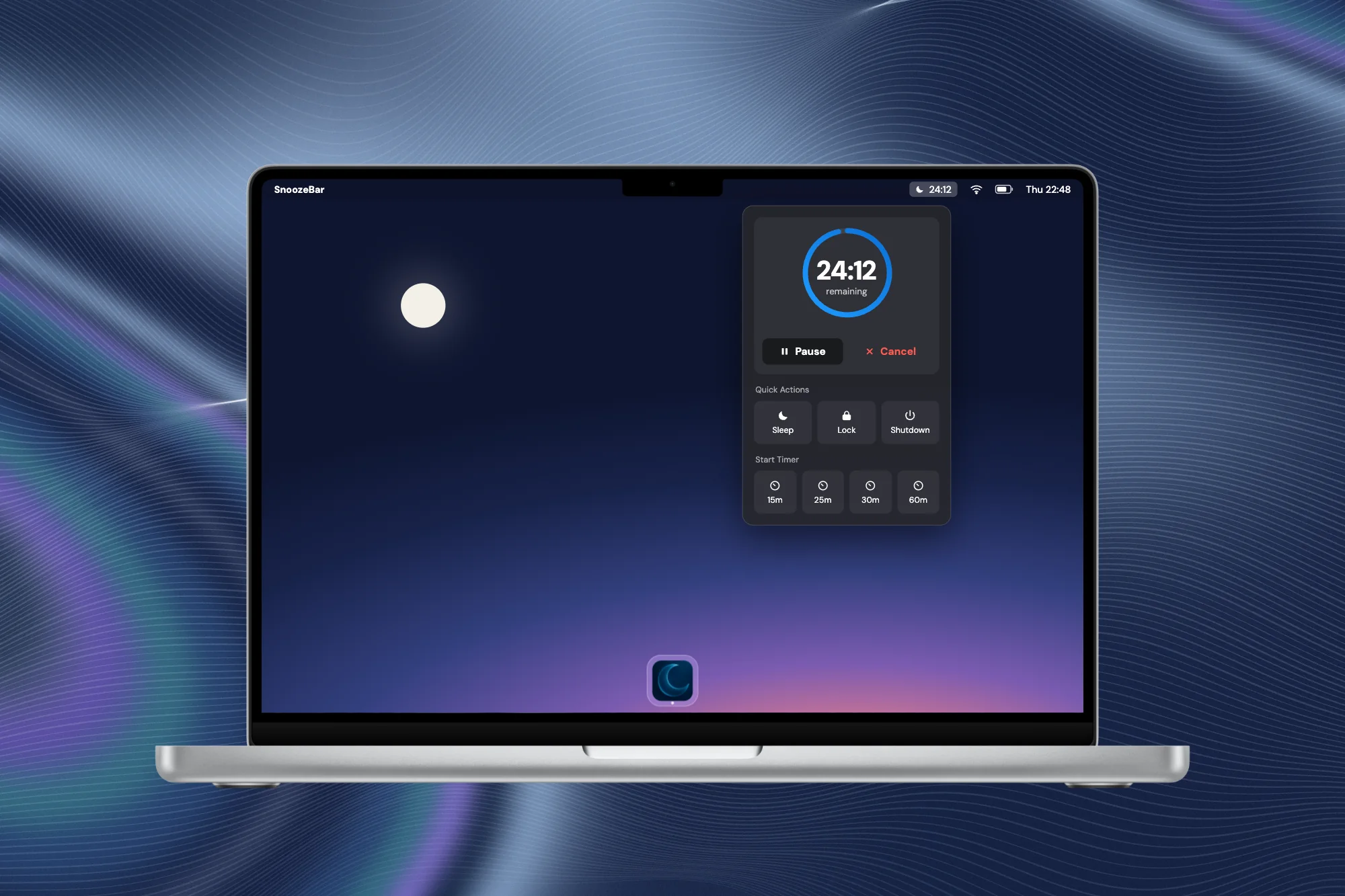
Illustration of the app interface
SnoozeBar is a local-first macOS utility for timed system actions, focus modes, and a more deliberate desktop routine.
View product- Format
- Mac App
- Track
- Own Product
- Status
- Public App
The context
Small system actions do not need a large app. SnoozeBar puts sleep, lock, and shutdown planning in the macOS menu bar, keeping it close to everyday work.
The approach
Timers, schedules, and focus behavior share a compact interface. Execution stays local; the utility is designed to fit into the existing Mac workflow.
Key points
Direct access
Control system actions from the menu bar.
Scheduling
Use timers and recurring schedules.
Local
The utility works offline on your own Mac.
Where it stands today
A published macOS utility. SnoozeBar demonstrates a deliberately narrow product scope: a clear purpose, direct access, and control over recurring system actions.